Track Spending, Budgets, and Invoices in One App
Record income and expenses, plan budgets, create invoices, and review your finances on iOS and Android.

Scan to download
Why Choose Glipo
Everything You Need for Complete Financial Control
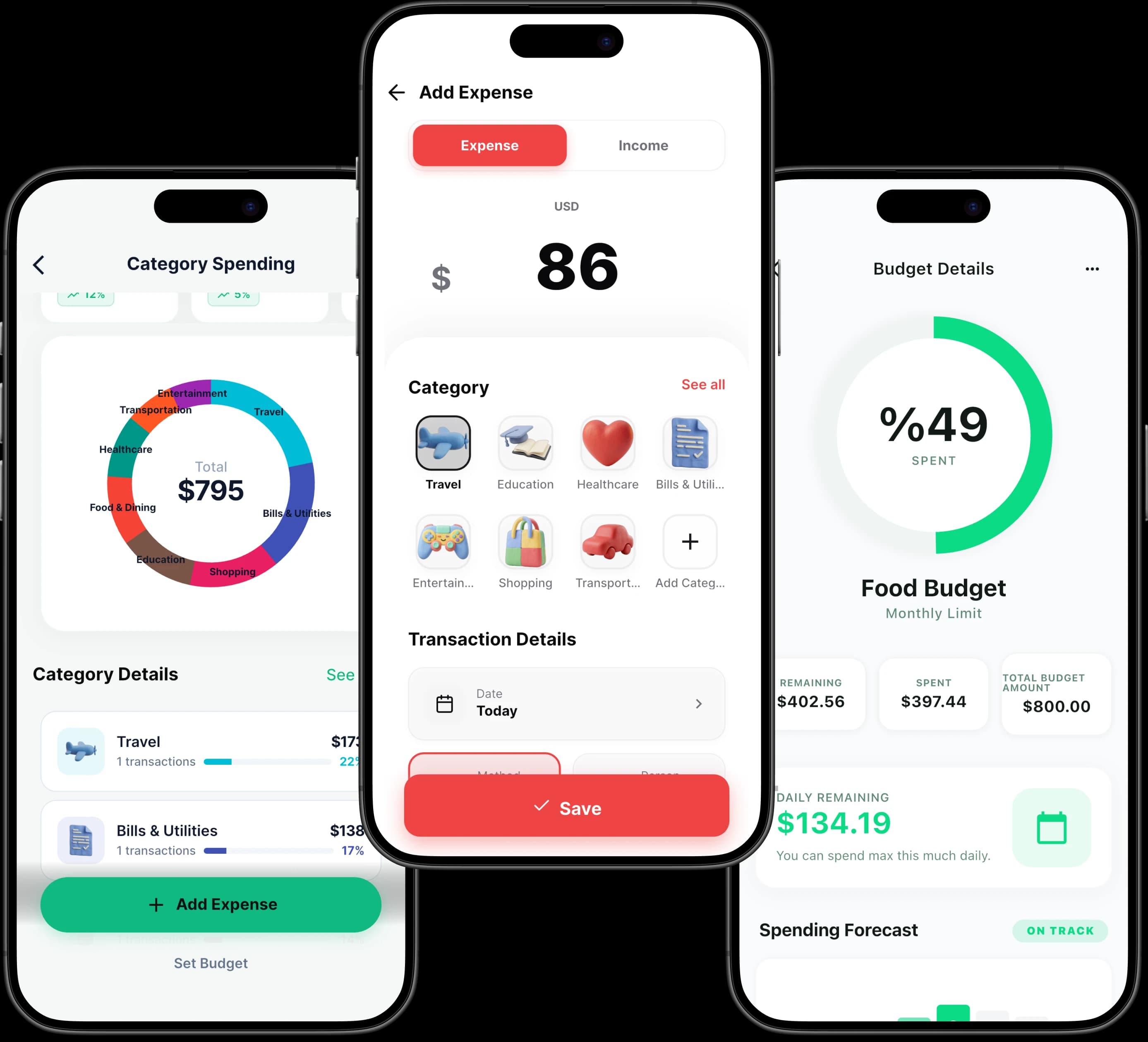
Track everyday spending, budgets, invoices, accounts, and reports with the tools available in Glipo for iOS and Android.
Income and Expense Tracking
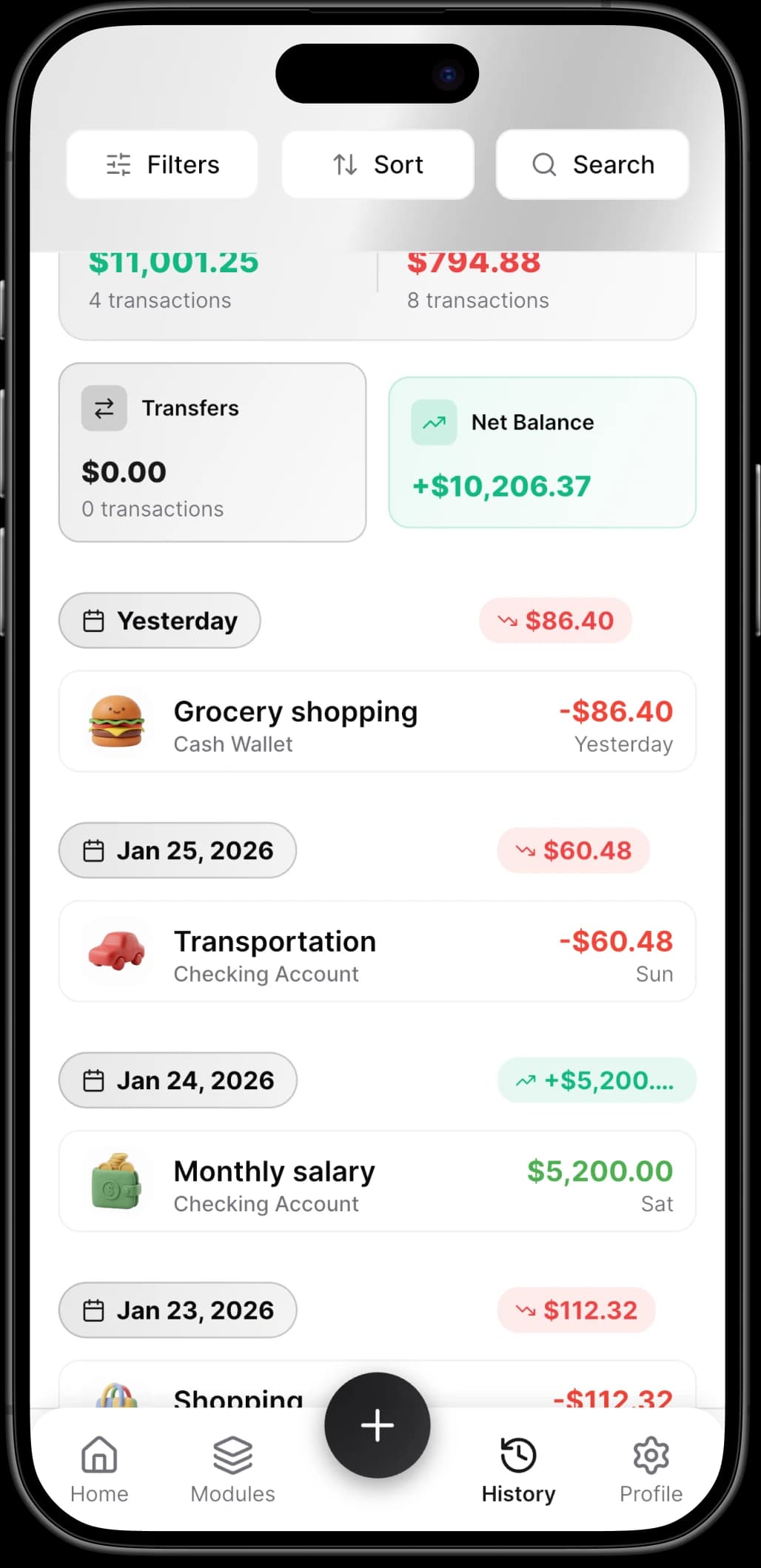
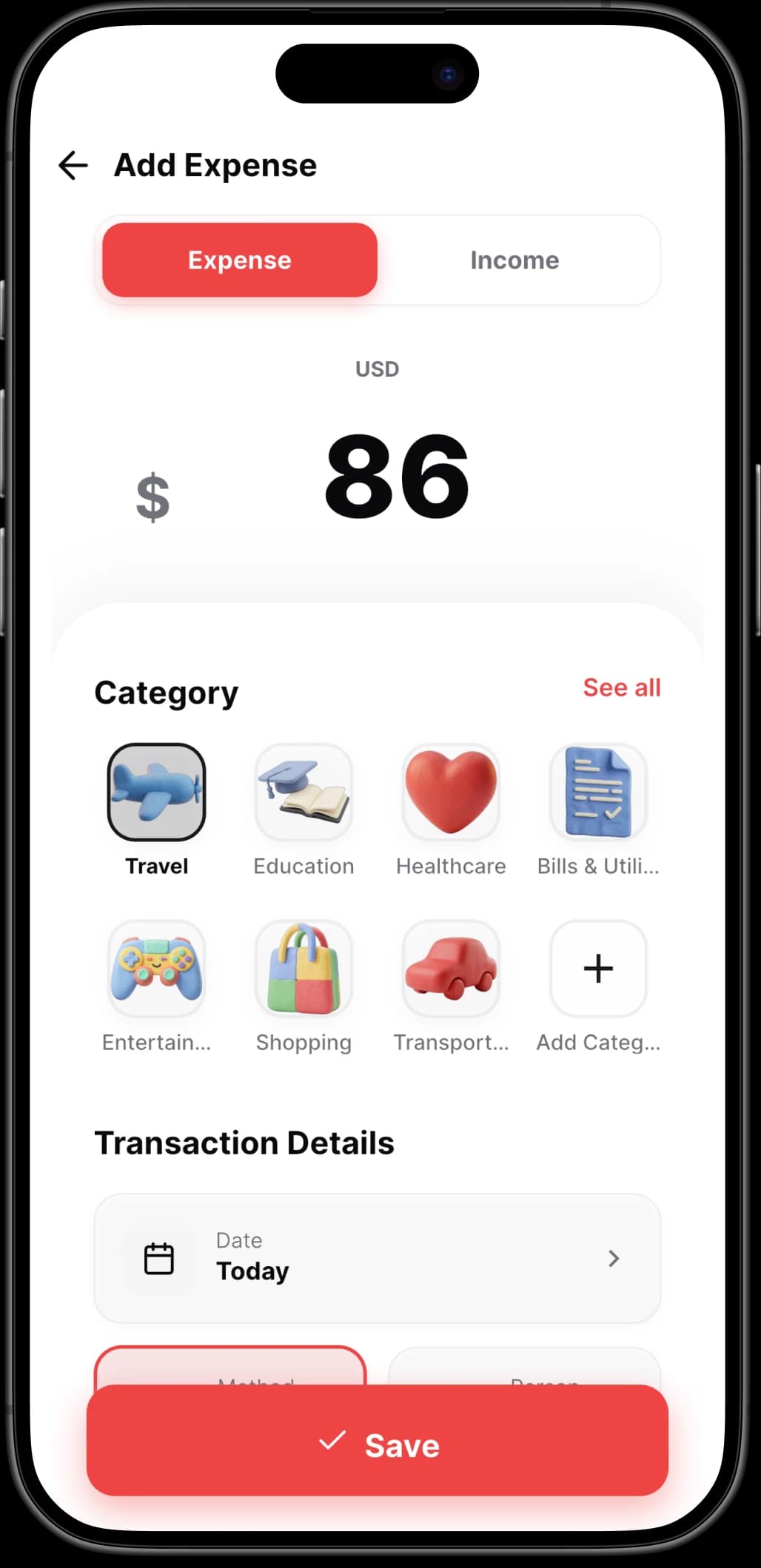
Record income and expenses, organize transactions by category, and attach receipt photos to keep day-to-day records together.
Weekly and Monthly Budgets
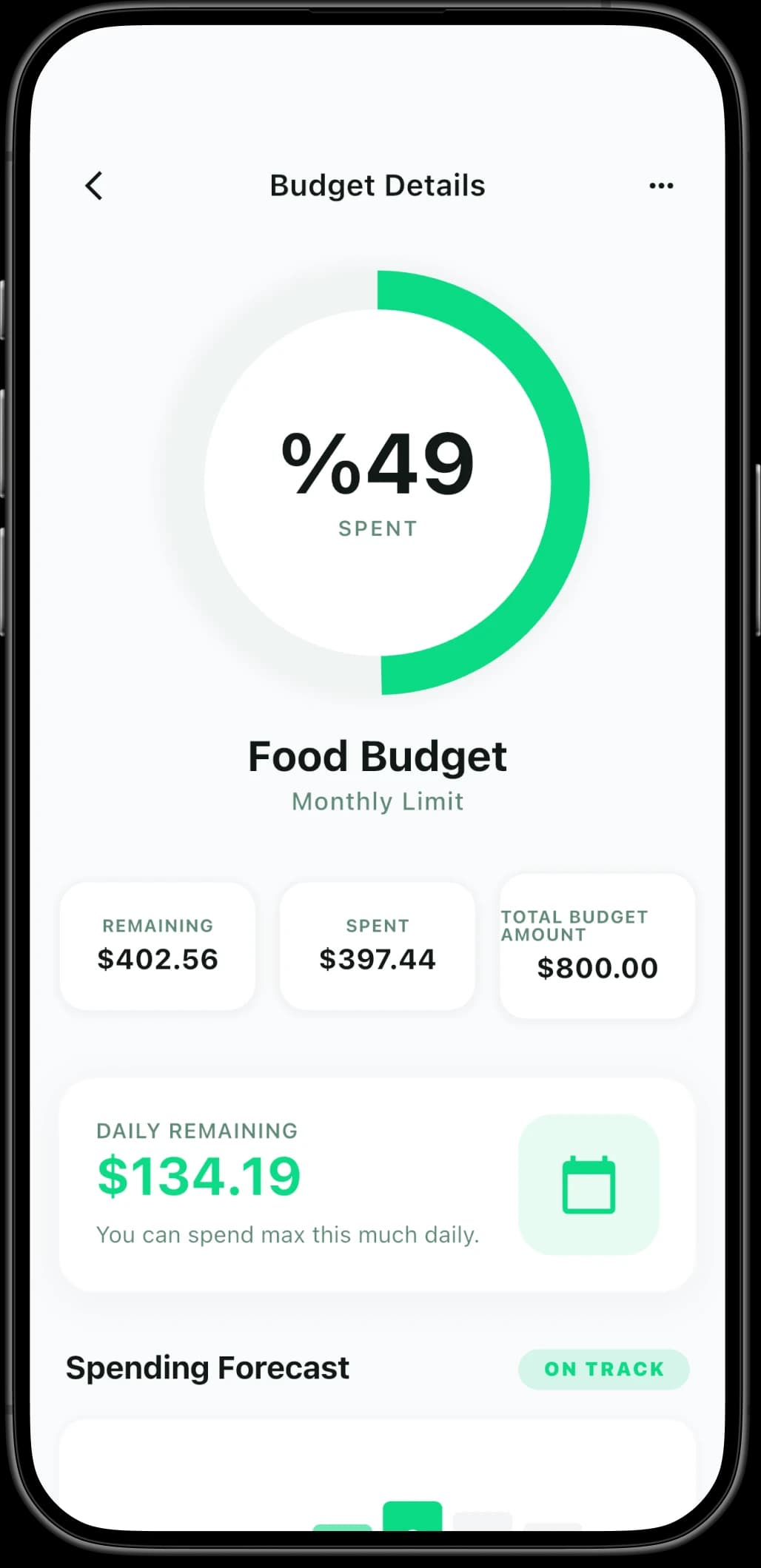
Create category budgets for weekly or monthly periods and use limit alerts to monitor spending against your plan.
Professional Invoices
Create invoices, manage client and sales-tax details, mark payment status, and export documents as PDF.
Reports and Analytics
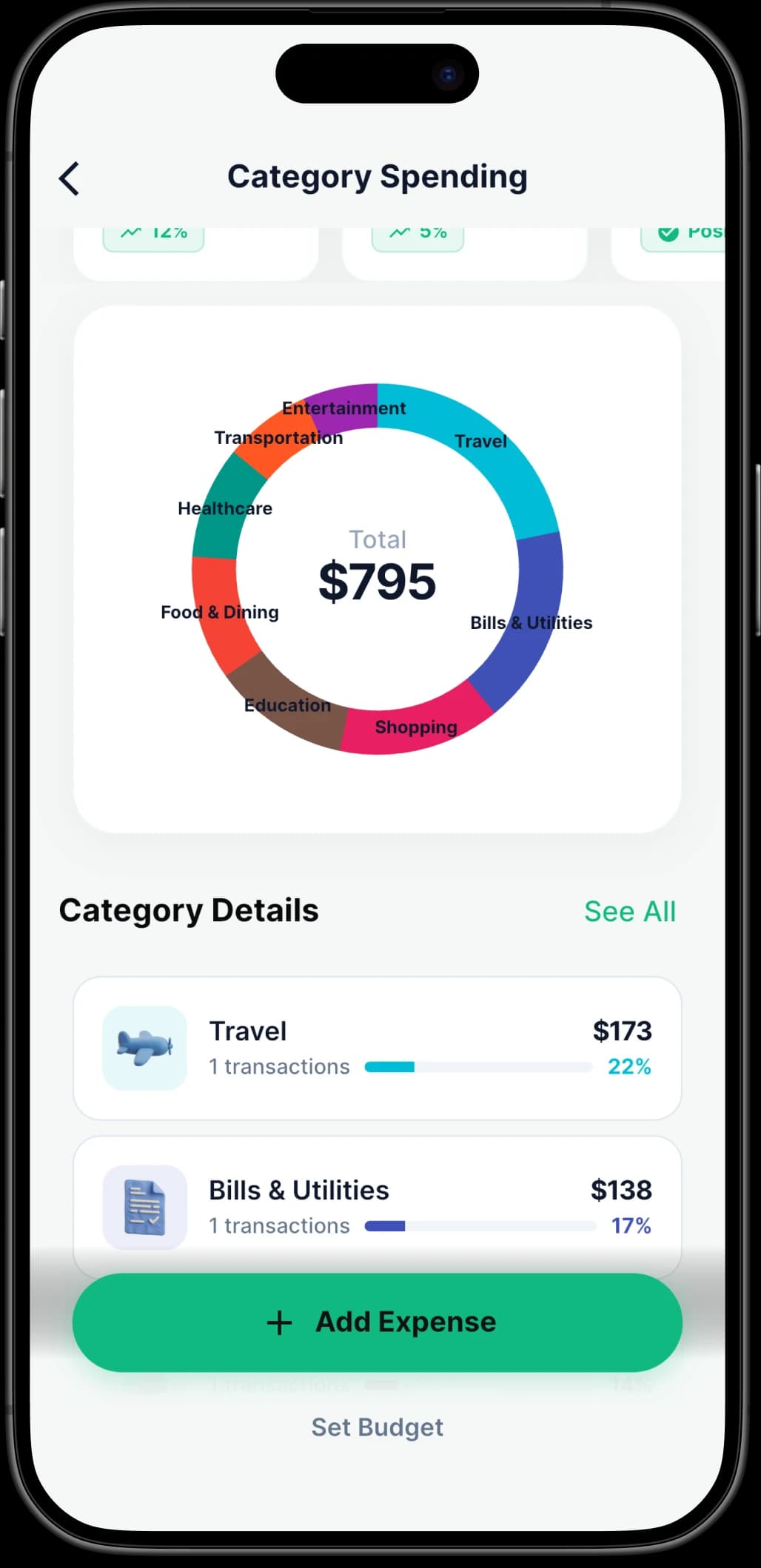
Use charts and reports to compare income with expenses and review spending patterns over time.
Multiple Accounts and Currencies
Organize savings, cards, cash, and bank accounts in one place, with support for multiple currencies.
Cross-Device Access
Use cloud sync to access your Glipo accounts on supported phones and tablets.
Bills and Subscriptions
Track recurring transactions and use reminders for upcoming bills and subscription renewals.
Exports and Workspaces
Export bookkeeping data as CSV and separate personal and business records with workspaces.
How It Works
Get Started in 3 Simple Steps
Download Glipo, add the accounts you want to track, and start recording transactions with categories that fit your routine.
Download the App
Download Glipo from the App Store or Google Play. The app is free to download and offers optional in-app purchases.
Set Up Your Accounts
Add the cash, card, savings, or bank accounts you want to manage, then choose categories for income and expenses.
Start Tracking
Record transactions, set budgets, create invoices, and review reports from the features available on your device.
Screenshots
See It in Action
Take a closer look at the experience across every platform.
FAQ
Got Questions? We Have Answers
Everything you need to know before getting started.
Ready to Take Control of Your Finances?
Download Expense Tracker & Money Manager and keep your everyday finances organized on iOS or Android.